


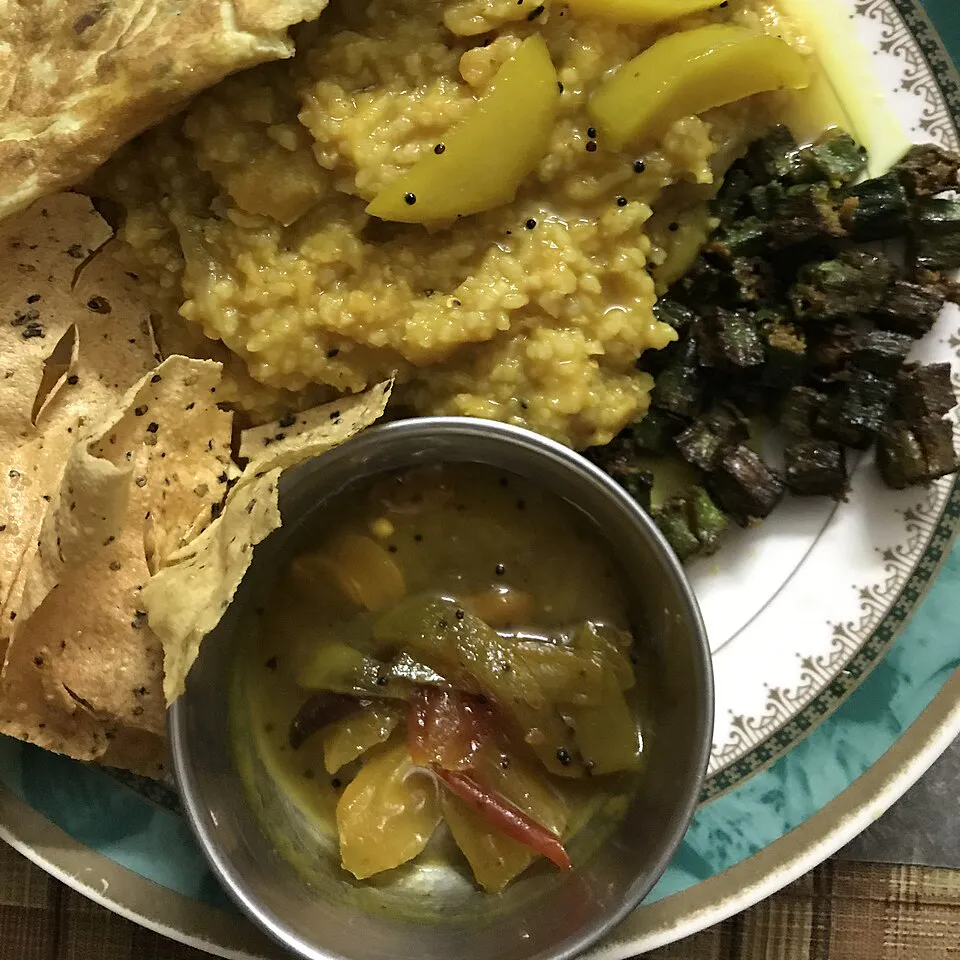
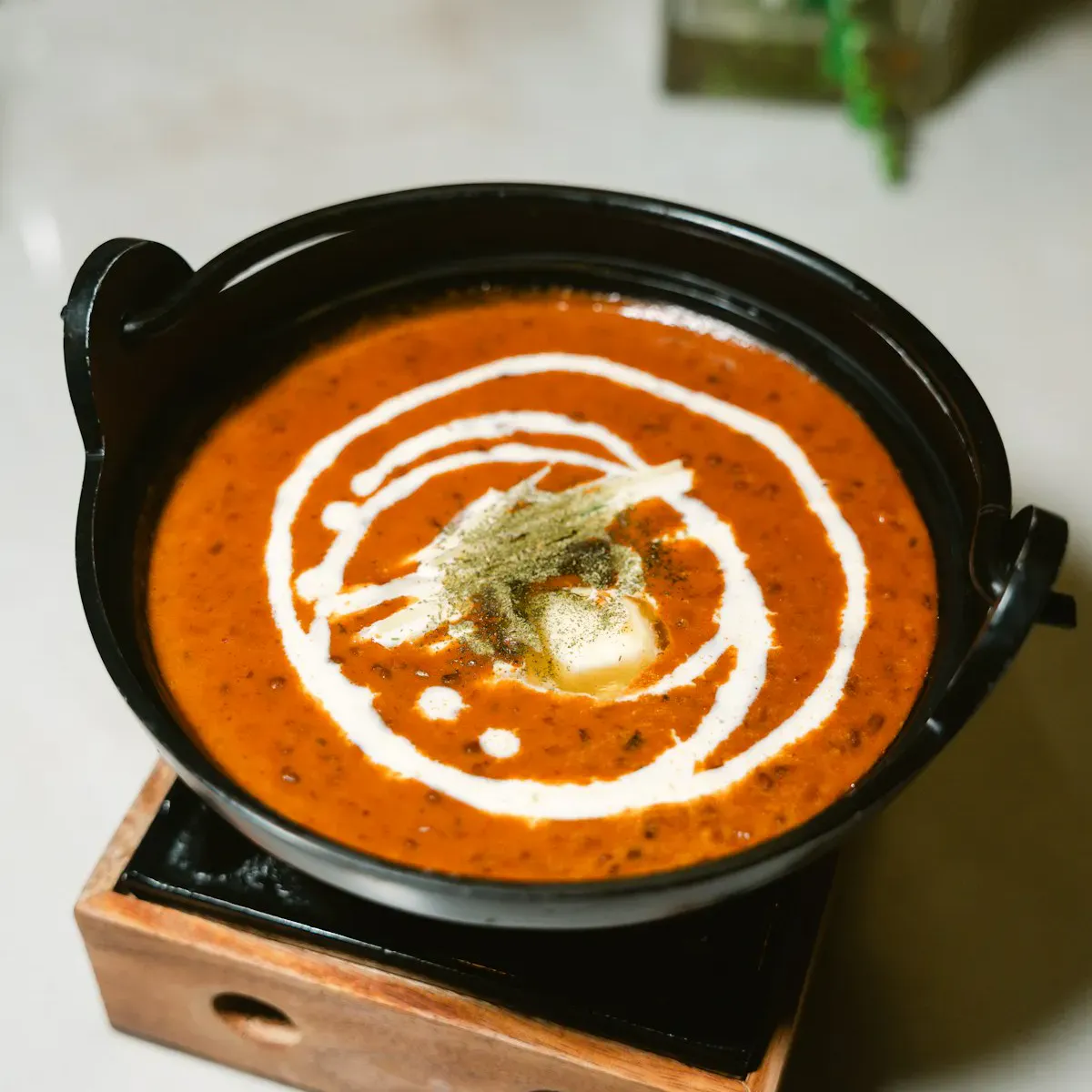
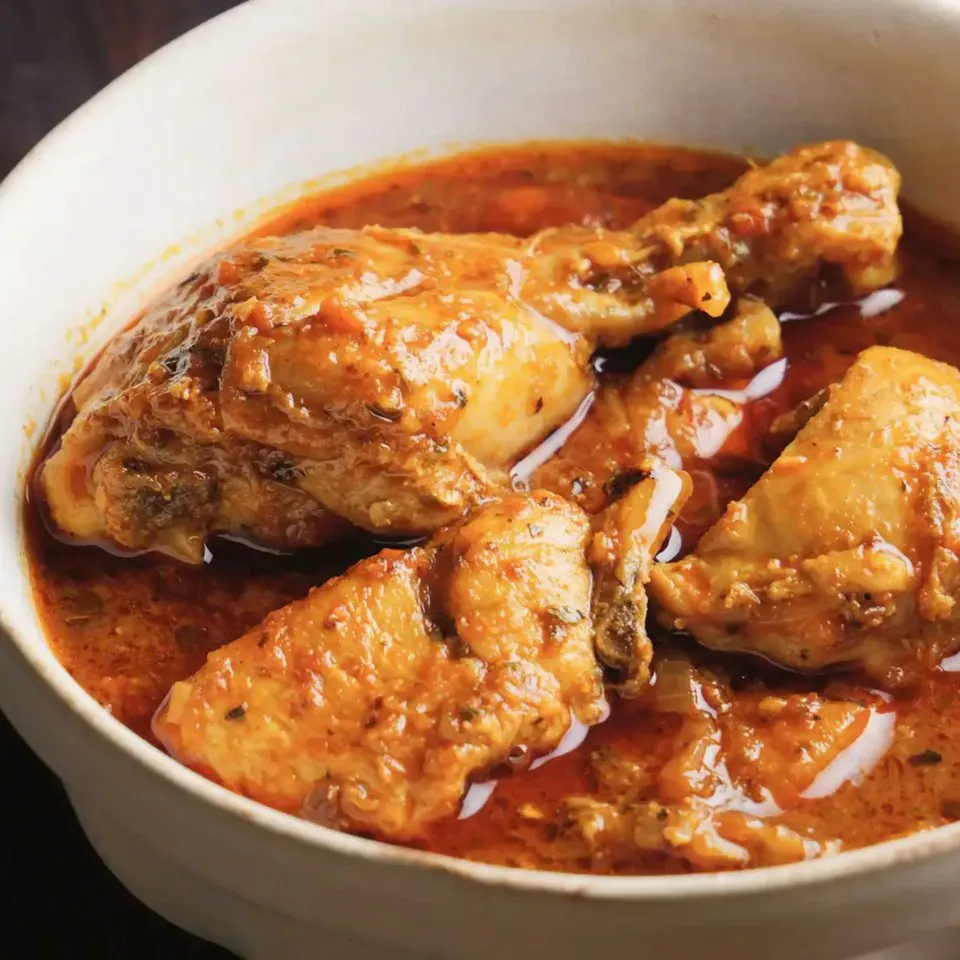
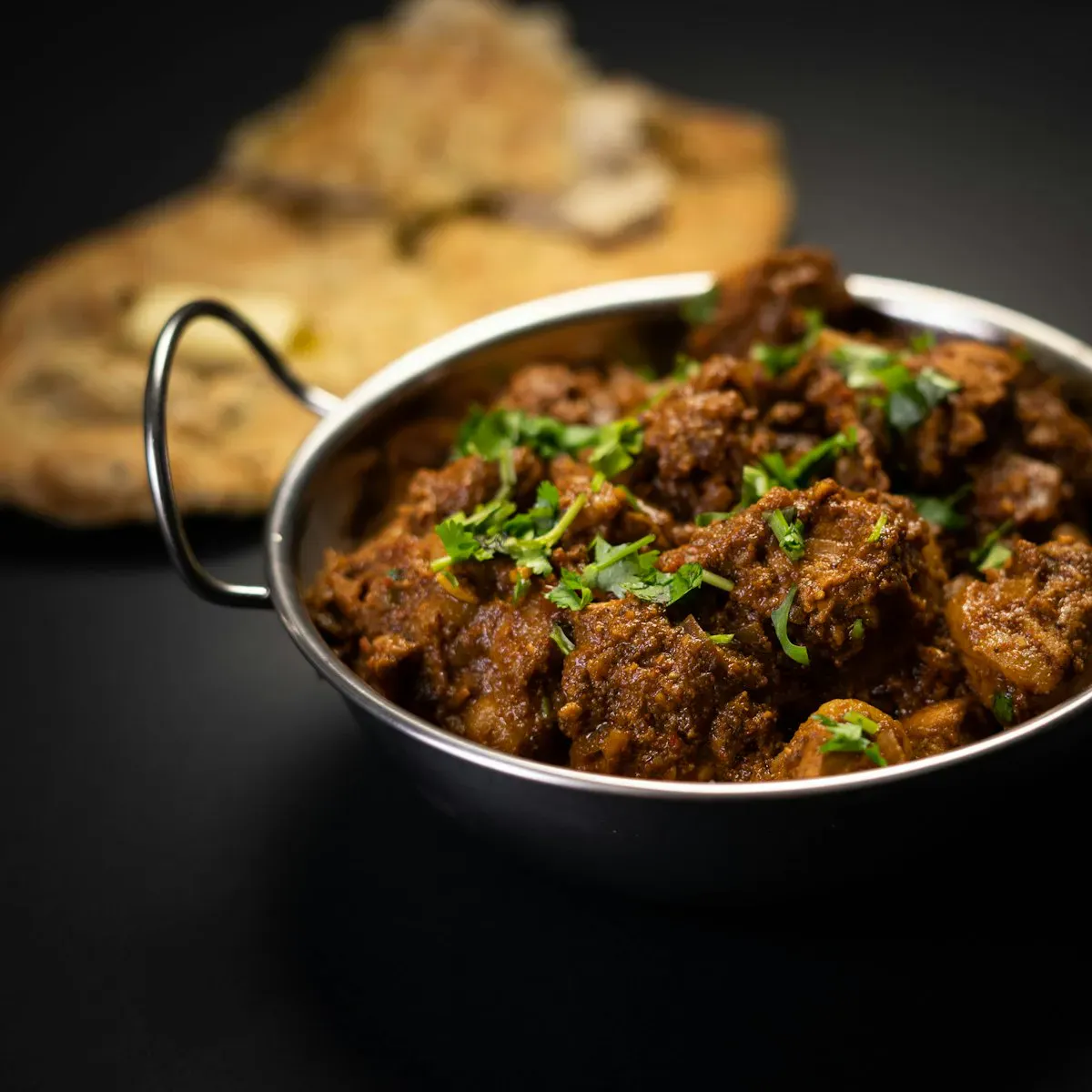


FOOD
How to Order Food on HiliBazar
Choose your dish and extras, put a pin at your door, and pay when it arrives: hot home-made food from our home kitchen in a few steps.1. Choose your dish
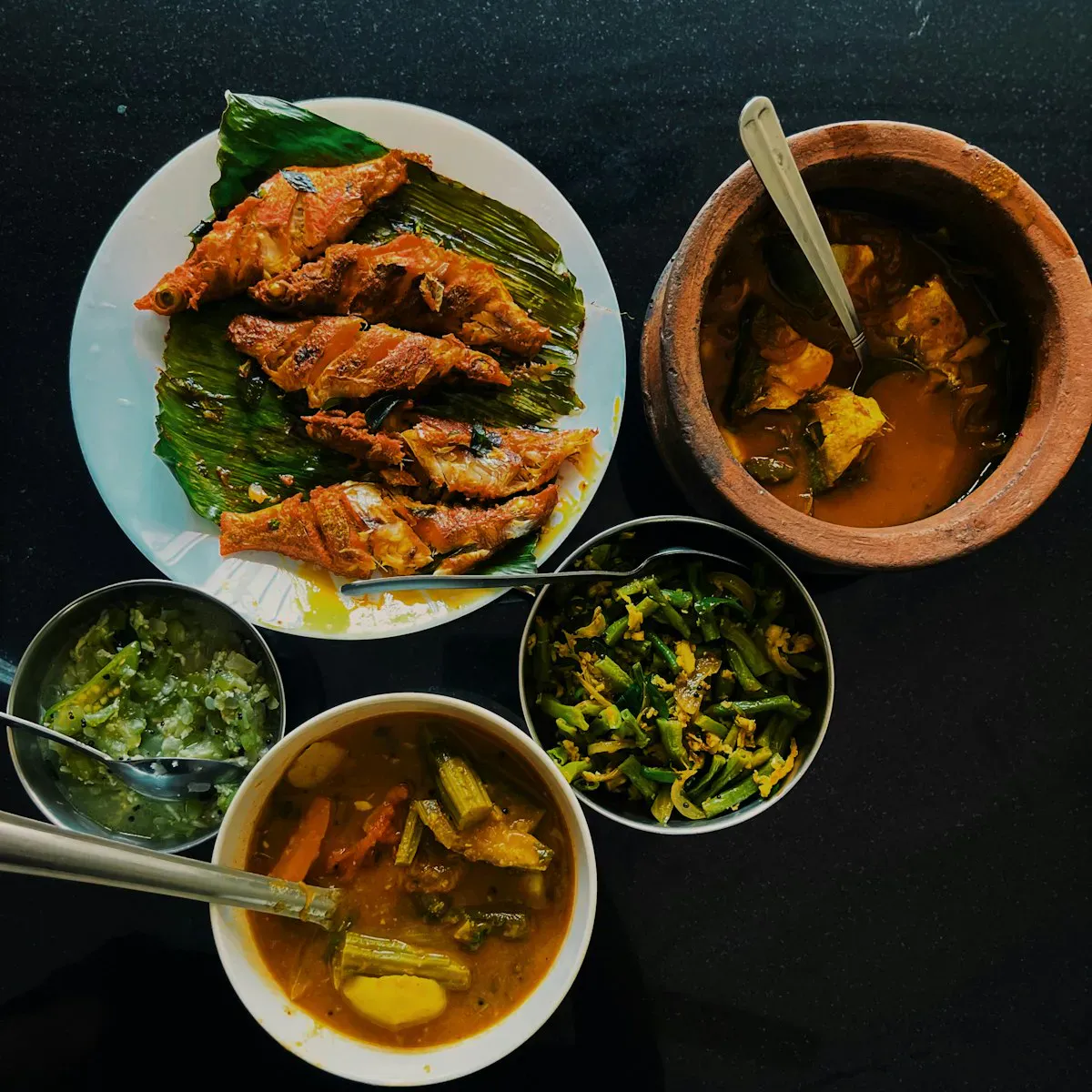
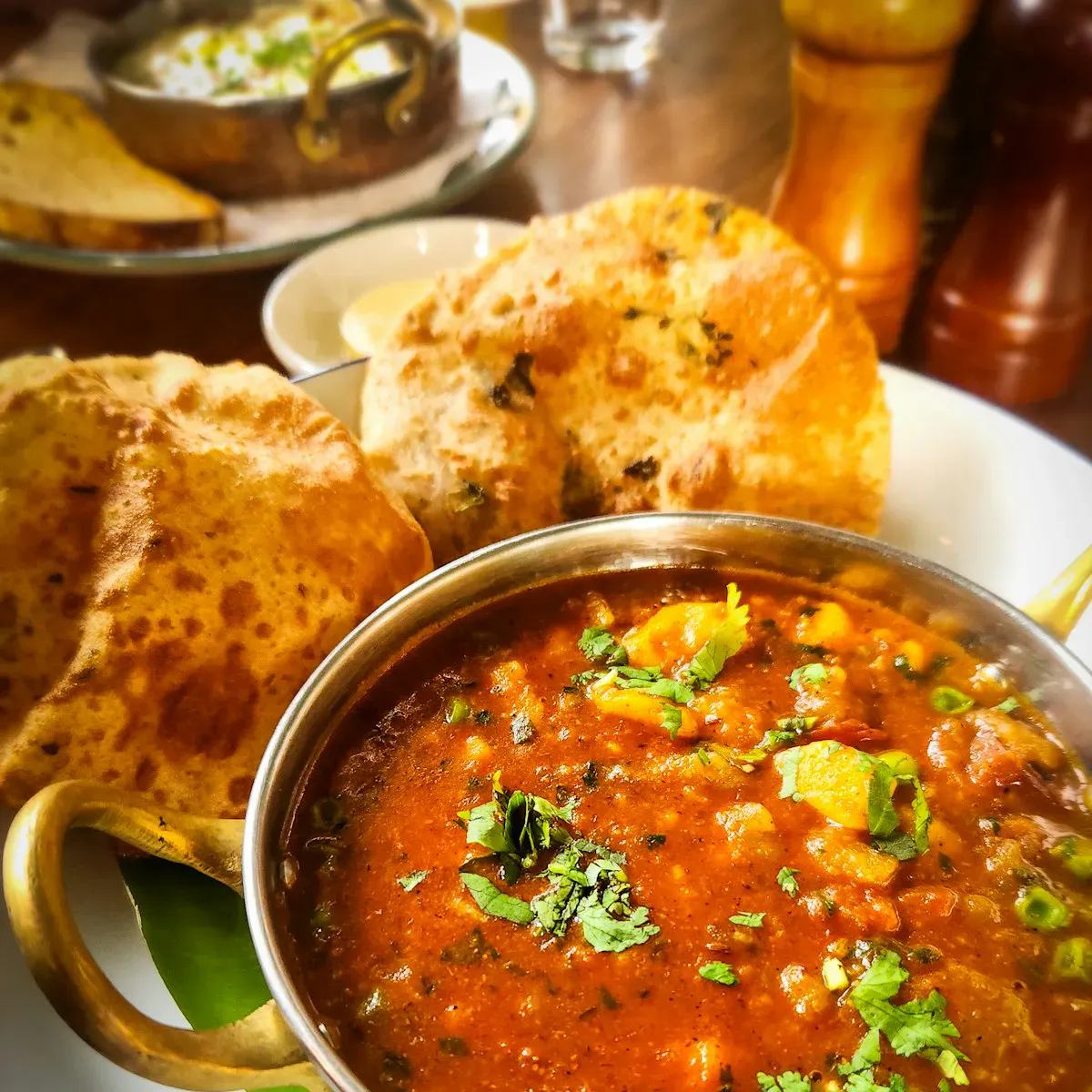
Open the Food section and pick a dish. Choose its size and any extras: the price updates as you choose.
2. Now or later
Each dish shows whether the kitchen is open and how long it takes. At checkout choose As soon as possible, or a later time, for example lunch tomorrow.
3. Put a pin at your door
Tap the map where we should deliver, or tap Use my location. The delivery fee for your area appears straight away.
4. Pay when it arrives
Our rider calls when nearby. Check your food, then pay in cash. Something wrong? Tell us within 2 hours with a photo.